admin
-
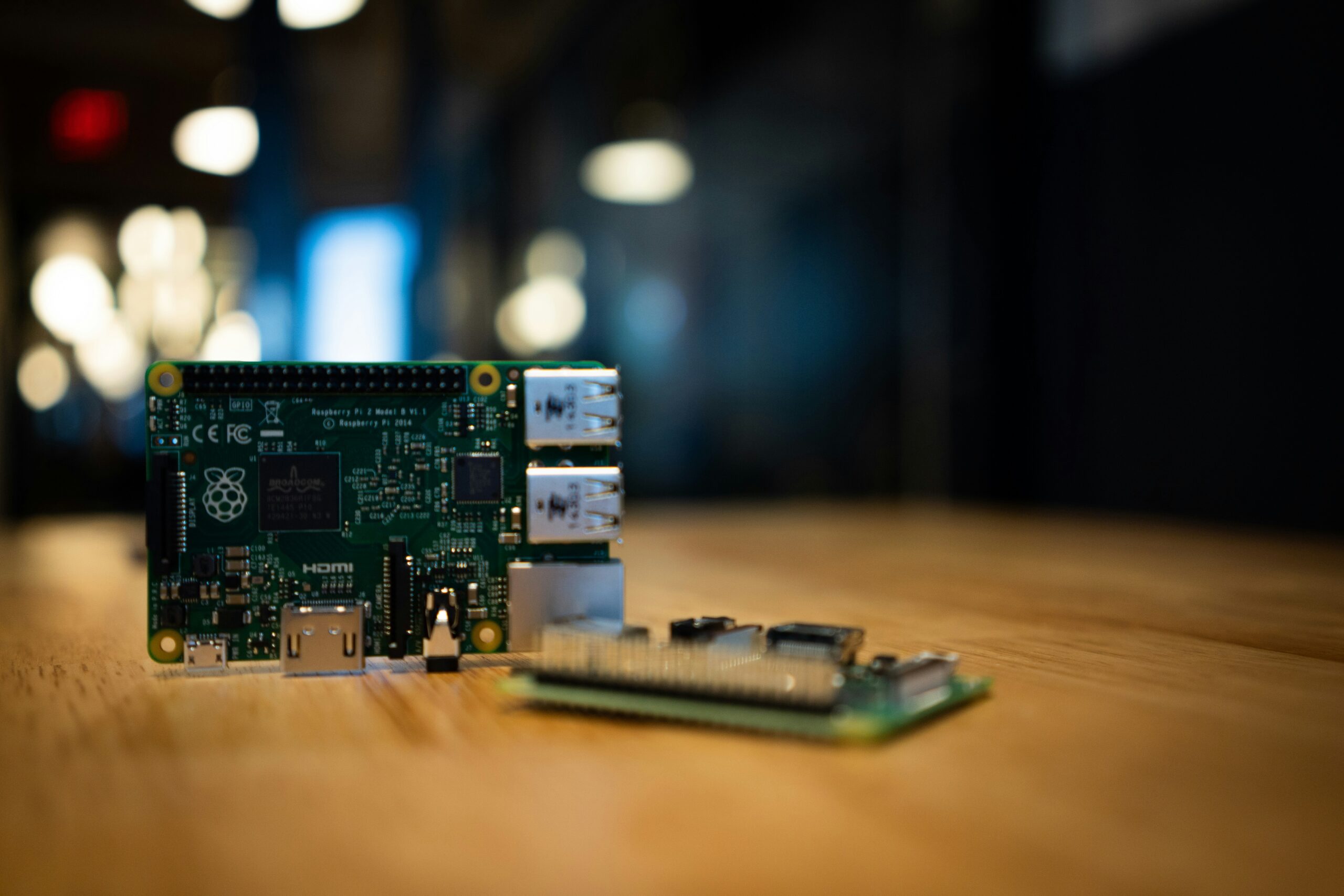
Raspberry Pi vs Intel NUC: Which One Should Power Your Home Lab?
Raspberry Pi or Intel NUC for your first home lab? Here’s an honest comparison of performance, price, and power so you can pick the right one.
-

Top 5 Self-Hosting Mistakes Beginners Make (And How to Avoid Them)
Most self-hosting setups fail for the same five reasons. Here’s what beginners get wrong and exactly how to avoid each mistake from day one.
-
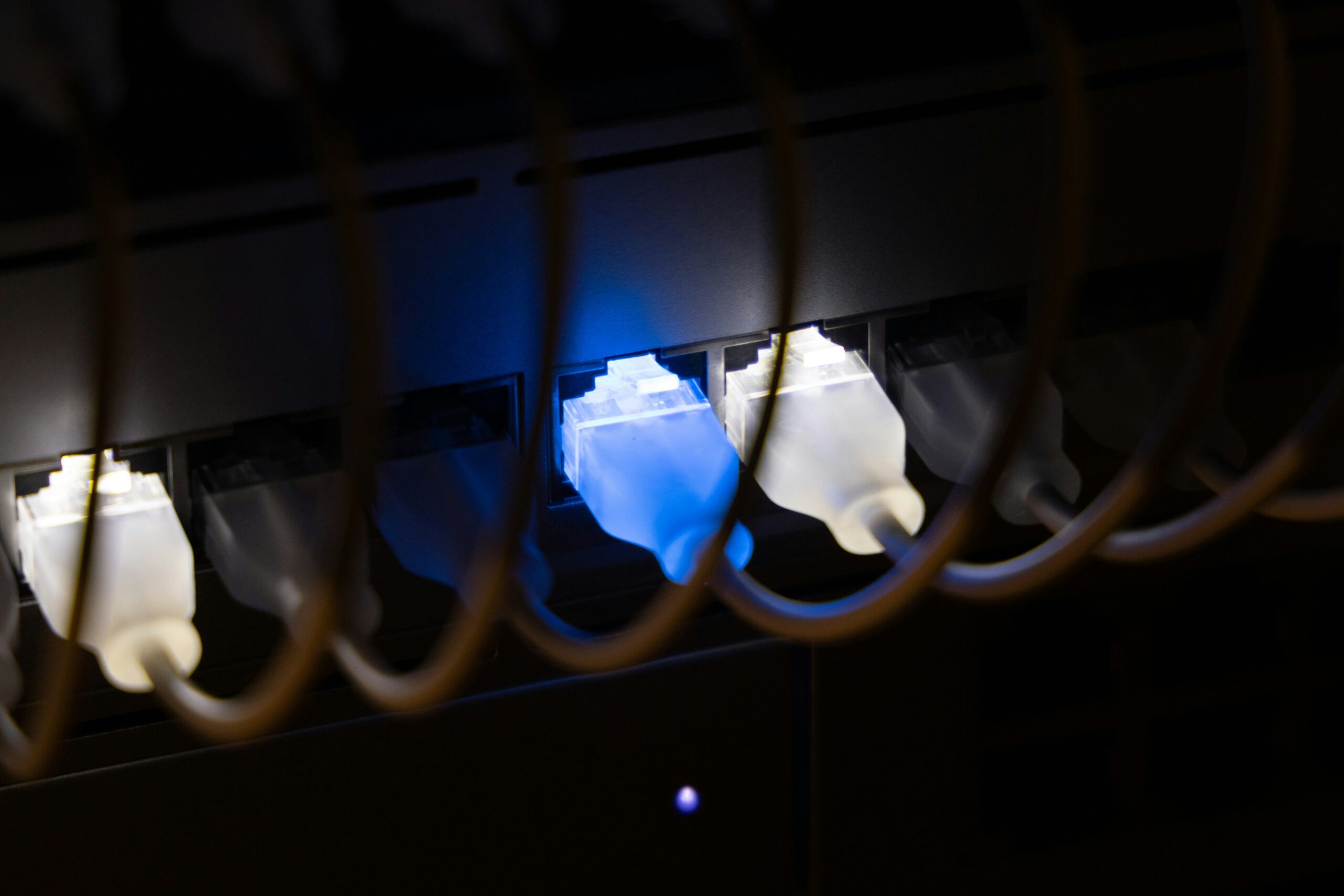
Best Managed Switches for a Home Lab: A Beginner’s Buying Guide
Your home lab needs more than your router’s built-in ports. Here’s how to pick the right managed switch and what to look for as a complete beginner.
-
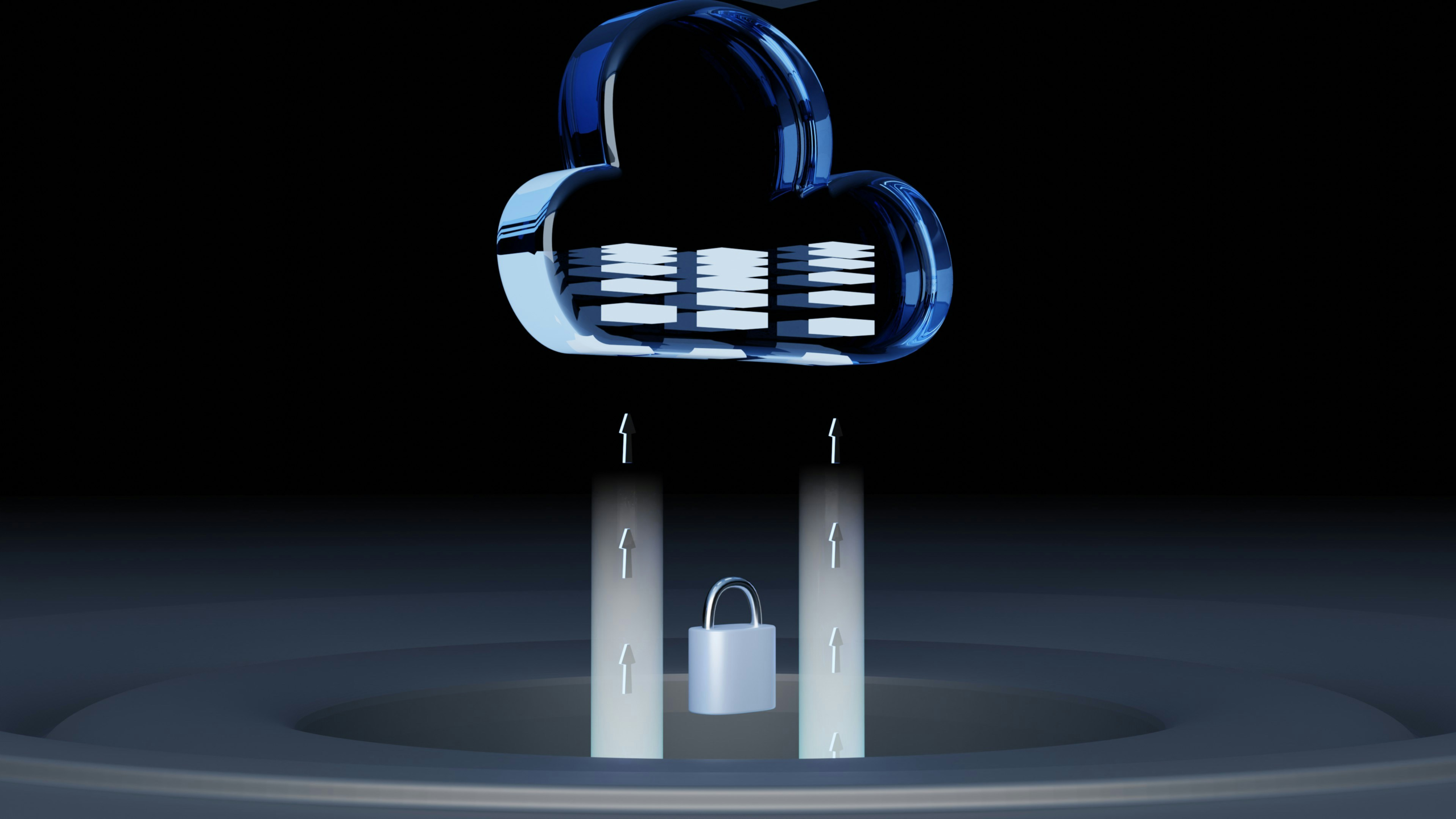
How to Set Up a WireGuard VPN at Home: A Beginner’s Guide
WireGuard lets you access your home network securely from anywhere in the world. Here’s how to set it up from scratch even if you’ve never touched a VPN before.
-
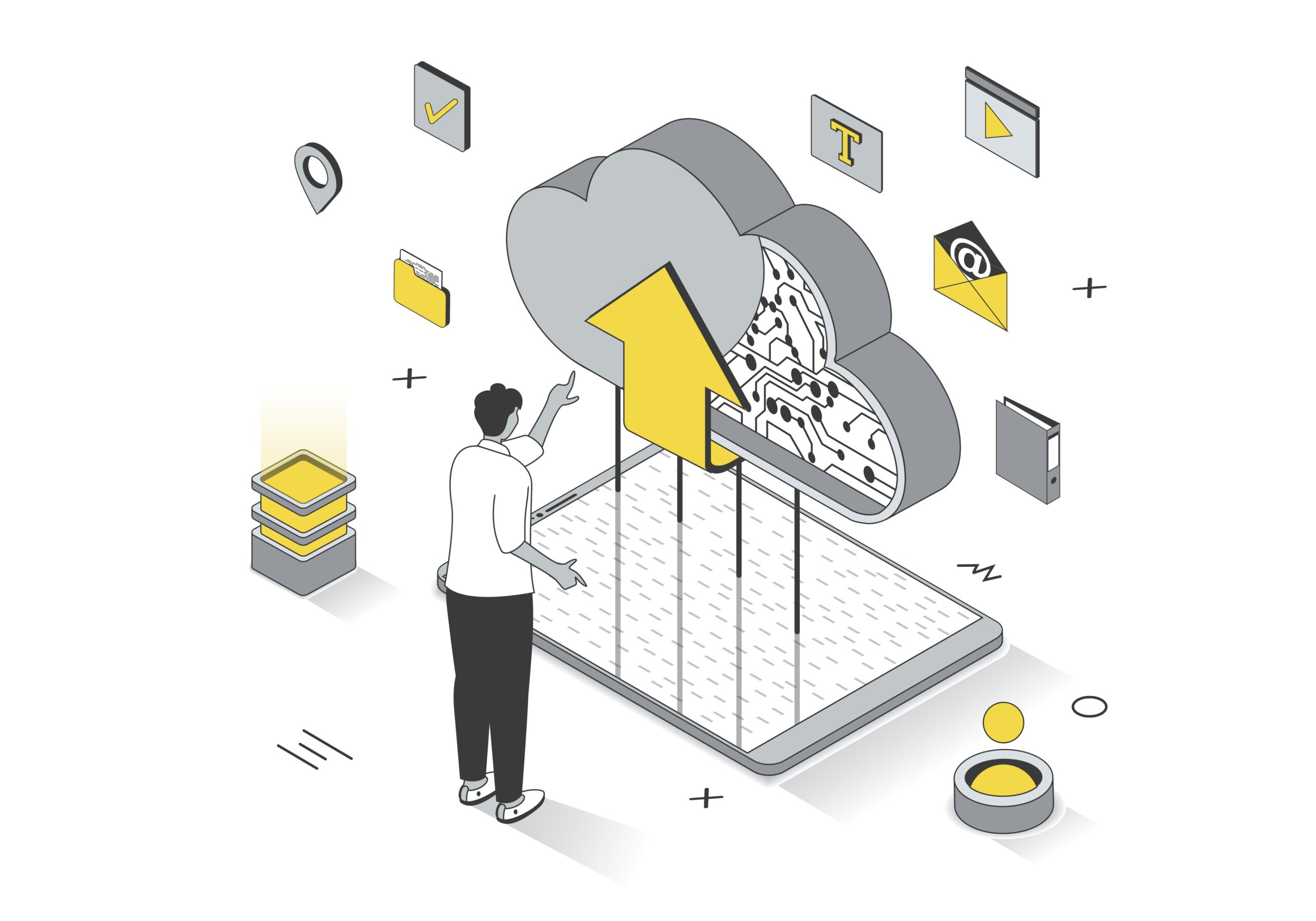
Nextcloud vs Google Drive: Should You Host Your Own Cloud Storage?
Google Drive is convenient. Nextcloud gives you full control. Here’s an honest comparison to help you decide which one belongs in your life.
-
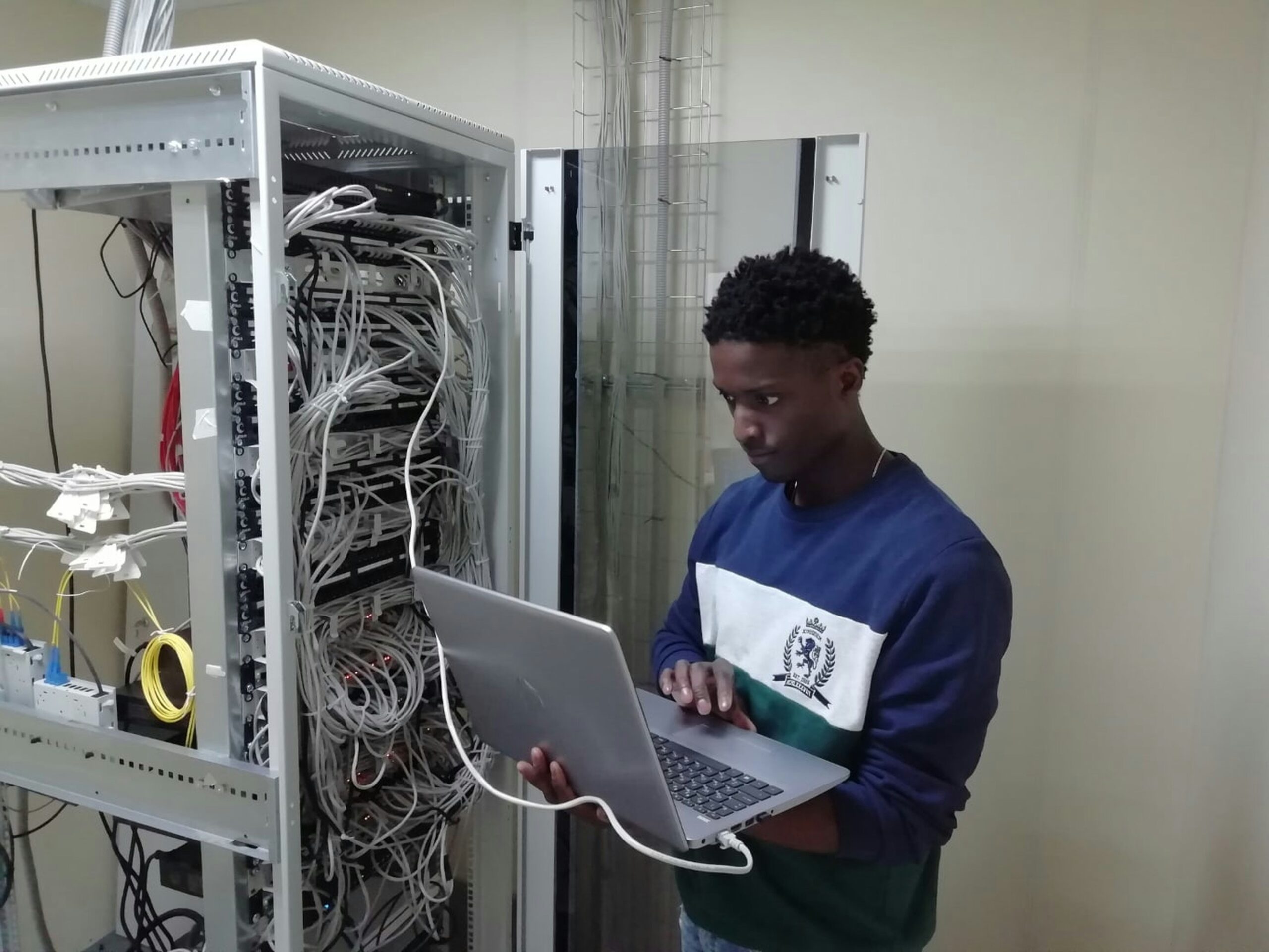
How to Set Up Proxmox for the First Time: A Beginner’s Walkthrough
Proxmox lets you run multiple computers on one machine for free. Here’s how to install it and get running even if you’ve never touched a server before.
-

Best Self-Hosted Password Managers You Can Run at Home
Tired of trusting a company with your passwords? Here are the best self-hosted password managers you can run on your own hardware at home.
-

How to Set Up Jellyfin: Your Own Free Personal Streaming Service
Jellyfin turns your personal media collection into a free Netflix-style streaming service. Here’s how to set it up even if you’ve never run a server before.
-
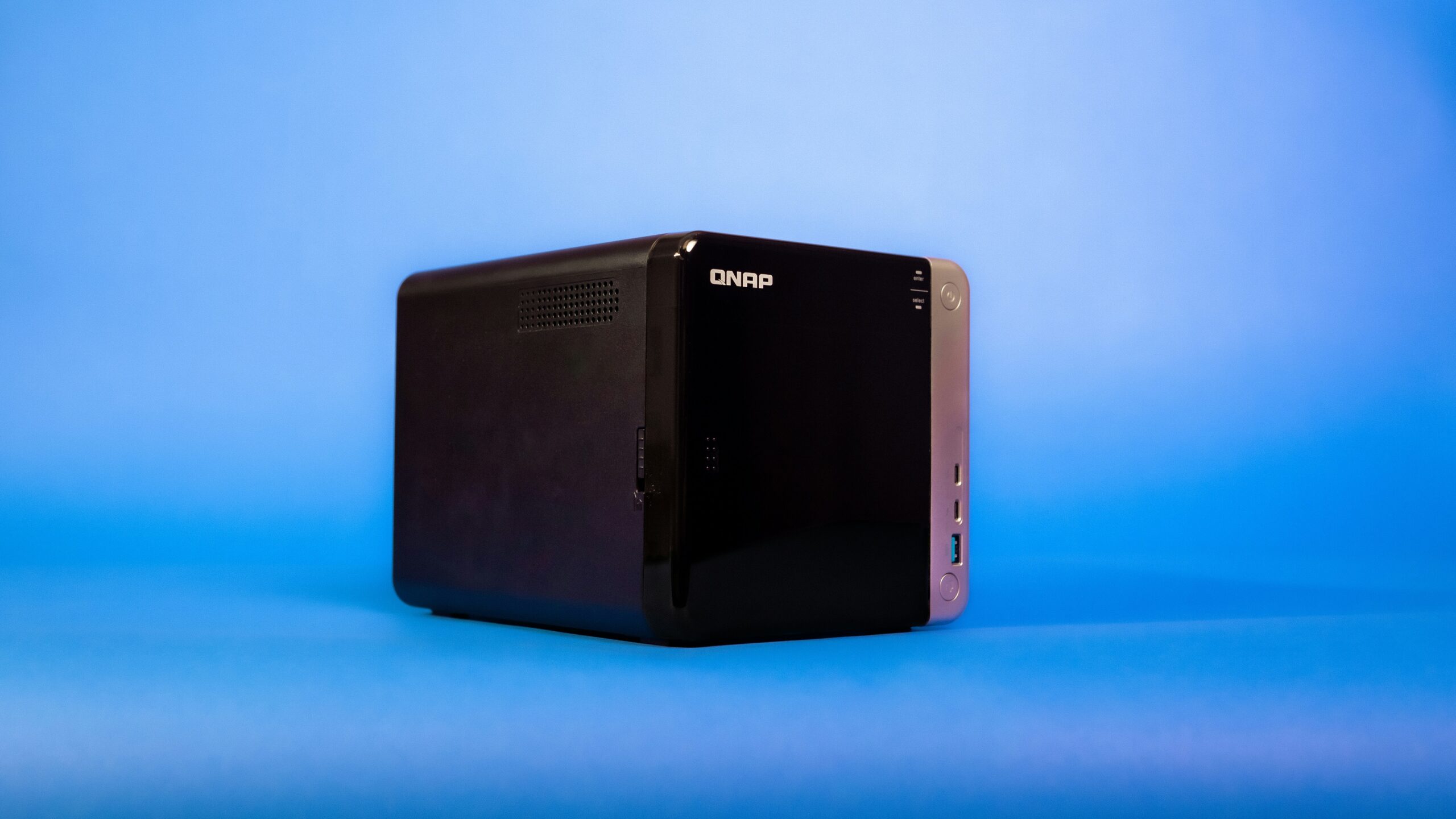
Best NAS Devices for Home Use in 2026: Beginner Picks Reviewed
The NAS market is cluttered with options. Here are the beginner picks that actually hold up for home use in 2026 at every budget level.
-
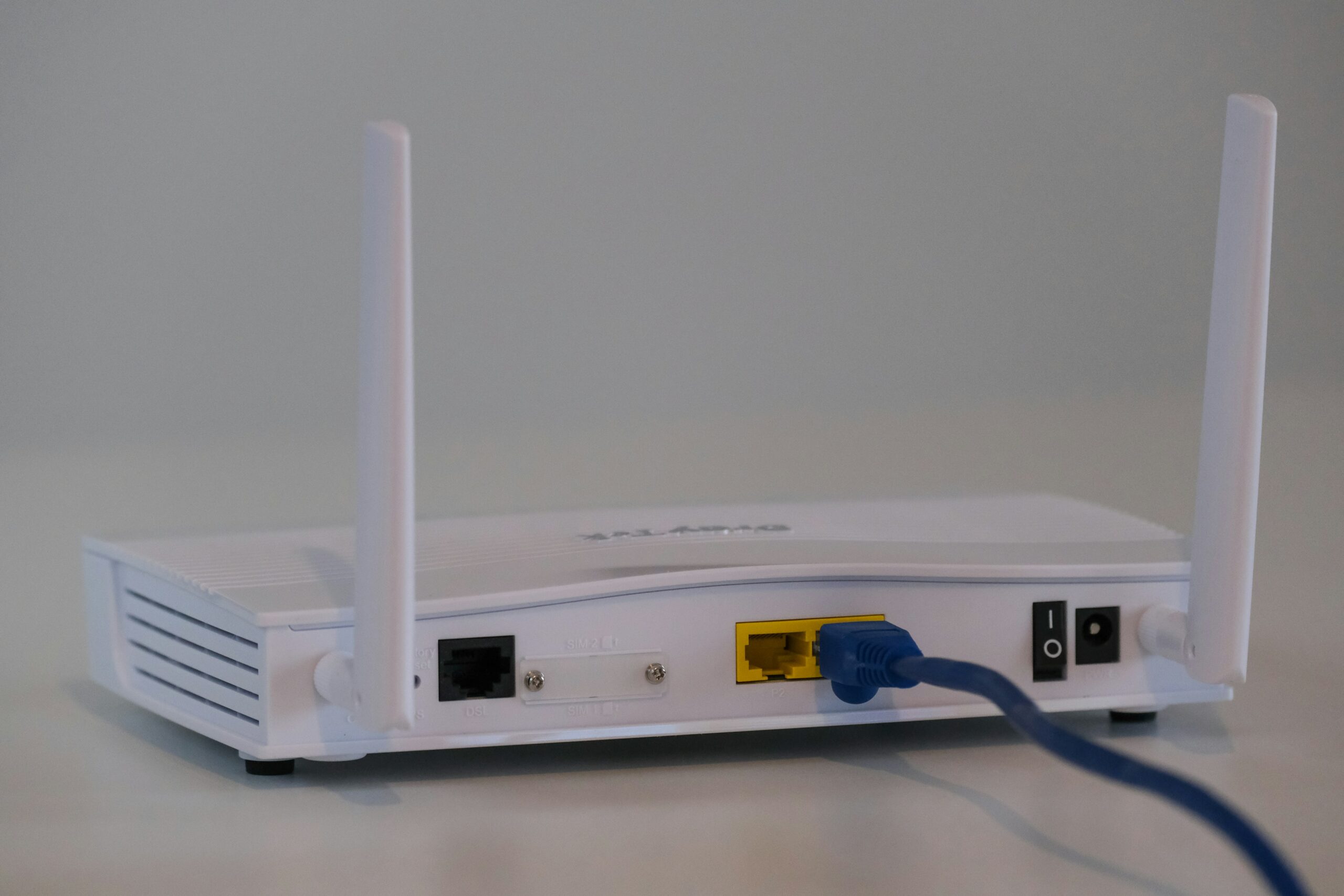
How to Set Up Pi-hole: Block Ads on Every Device in Your Home
Pi-hole blocks ads and trackers across every device on your home network automatically. Here’s how to set it up with Docker and keep it running.