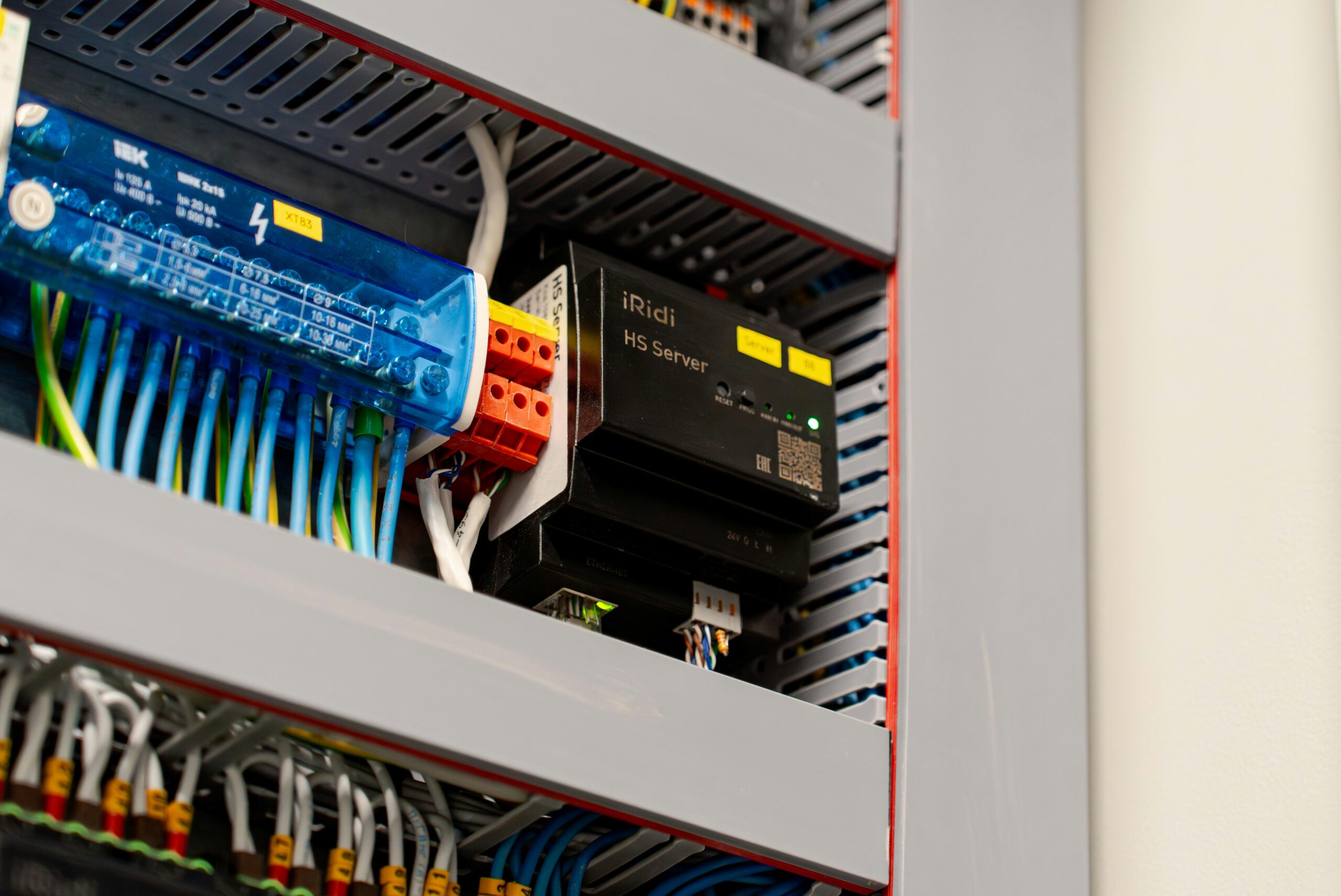
You’ve probably heard terms like “home server” or “self-hosting” thrown around online and thought: that sounds way over my head. It’s really not. A home lab is just a personal tech setup you run at home, and plenty of people with no technical background have built one. This guide explains the whole thing in plain English.
What Is a Home Lab, Exactly?
A home lab is any personal setup where you run your own software at home instead of relying on big tech companies to do it for you.
Here’s a simple way to think about it. Right now, when you save a photo to Google Photos, that picture travels over the internet and gets stored on Google’s computers somewhere far away. A home lab means that photo stays on a computer in your own house instead. You control it completely.
Your setup can be as small as a tiny $50 computer sitting on a shelf, or as involved as a dedicated machine in a closet. Most beginners start with something simple and grow from there. The point is that you own the hardware, you own the data, and nobody else is involved.
Why Do People Build Home Labs?
More people are getting into home labs every year, and the reasons are pretty straightforward.
Privacy. When your files live on Google’s or Dropbox’s computers, those companies have access to them. Moving your data home means it belongs to you alone.
Saving money. Streaming services, cloud storage, password managers, photo backup apps: these subscriptions add up fast. Most of them have free alternatives you can run yourself at home. The hardware cost pays for itself quickly.
Learning new skills. Building a home lab teaches you real, practical technology skills. If you want to work in IT or just want to understand how the internet actually works, hands-on experience with a home lab is hard to beat.
It’s genuinely fun. A lot of people do it simply because they enjoy building things. Setting up a system from scratch and watching it work is satisfying in the same way finishing a puzzle is satisfying.
What Hardware Do You Actually Need?
Here’s the good news: you probably don’t need to buy anything expensive.
Raspberry Pi. A Raspberry Pi (a small, affordable computer about the size of a deck of cards) costs between $35 and $80 and uses about as much power as a phone charger. It’s quiet, cheap to run, and perfect for simple projects like blocking ads on your home network or storing files.
Old PC or laptop. Got an old computer sitting in a closet? It can almost certainly run a home server. A machine from five or six years ago with a decent processor is more than powerful enough to handle most beginner projects.
Mini PC. A mini PC (a compact desktop computer designed to run quietly around the clock) is a popular choice for home labs because it’s small, low-power, and more capable than a Raspberry Pi. Brands like Beelink and MinisForum make affordable options that fit in the palm of your hand.
NAS device. A NAS (short for Network Attached Storage, which is basically a smart hard drive that connects to your home network) is purpose-built for storing and sharing files. Companies like Synology make NAS devices with beginner-friendly software built right in. If your main goal is backing up photos and storing files, a NAS is the easiest starting point.
Pick one. Start there.
What Software Powers a Home Lab?
Hardware is just the box. Software is what makes it actually do something useful.
Proxmox. Proxmox (free software that lets one computer act like several separate computers at once) is like turning a single apartment into multiple completely separate units. You install it once and can then run different projects in their own isolated spaces on the same machine. It’s one of the most popular tools in home labs and costs nothing.
Docker. Docker (a tool that packages apps into neat, self-contained bundles so they’re easy to install and manage) is the reason setting up most self-hosted software is so simple these days. Instead of wrestling with complicated installation steps, you grab a pre-packaged app and run it with one command. Think of it like the difference between cooking a meal from scratch versus heating up a well-made frozen dinner. Both get you fed, but one is much faster.
Self-hosted apps. Once your server is running, you can install free apps that replace the paid services you’re already using:
- Nextcloud — your own private version of Google Drive or Dropbox
- Jellyfin — a free personal streaming service for movies and shows you already own
- Vaultwarden — a password manager that runs on your own hardware
- Pi-hole — software that blocks ads on every device in your house at once
- Home Assistant — a hub that connects and automates all your smart home gadgets
- Immich — your own private photo backup app, like Google Photos but on your own computer
Almost all of these are free and built by volunteer communities around the world.
Is a Home Lab Right for You?
If you are curious about technology, care about your privacy, or want to stop paying for services you could run yourself, a home lab is worth exploring.
Fair warning: things will break sometimes. You’ll have to look up answers, try things more than once, and occasionally feel stuck. There’s no customer support line. But the home lab community online is genuinely one of the friendliest groups in tech, and good guides exist for almost every problem you’ll run into.
If you can follow a recipe or assemble flat-pack furniture, you have enough patience to build a home lab.
Frequently Asked Questions
Do I need to know how to code?
No. Almost nothing in a home lab requires writing code. You’ll mostly follow step-by-step guides, copy commands someone else wrote, and edit simple settings files. Think of it like following instructions, not inventing them.
How much does it cost to run?
A Raspberry Pi costs less than $5 a month in electricity. A more powerful small computer runs roughly $10 to $25 a month. Once you cancel even one or two subscriptions it replaces, the setup usually pays for itself within a year.
Is it safe?
Yes, if you keep your software updated and use strong passwords. The main risk is ignoring updates for months at a time. Stay on top of those and you’ll be fine.
What’s the difference between a home lab and a NAS?
A NAS is a specific piece of equipment built just for storing files. A home lab is a broader idea that might include a NAS, but usually means running multiple apps and services, not just storing files. Many people start with a NAS and expand from there.
Ready to Build Your First Home Lab?
You now know more about home labs than most people who’ve been curious about them for months. The only thing left is picking your first project and starting.
Most beginners kick things off with Pi-hole (which blocks ads on every device in the house in about 30 minutes) or Jellyfin (which turns your own movie collection into a personal streaming service). Both work great as a first project and give you an immediate win.
At Self Hosted Home, we have beginner-friendly guides for both of those and a lot more. Browse around, find something that sounds interesting, and follow the guide.
Your home lab starts with one small project. Go pick one.